My Neovim + LSP Setup (Lazy.nvim + Nix/Home Manager)
I don’t use VSCode / other GUI stuff for lots of reasons. Mainly because I feel like they force AI on my throat, and I’ll end up too dependent on those AI tools for coding (not that I hate AI or anything).
For that reason, I use my own neovim setup on my trusty Ghostty terminal.
I’ll enumerate my Neovim setup here, which is focused on LSP defaults and reproducibility via Nix/Home Manager. I will not go too deeply on Nix/Home Manager as it will probably be an info overload, but stay tuned for another post about that.
Now, I am using lazy.nvim as a plugin, but you could use anything you like. I mainly use it for its lazy, ironic I know, approach.
Layout
Section titled “Layout”init.lua— entrypointlua/custom/plugins/— plugin specslua/custom/configs/— actual configuration (LSP, cmp, treesitter, keymaps, settings)lua/custom/util/— helpers (notablylspconfig.lua)spell/— custom spell additions
Home Manager deploys everything into ~/.config/nvim as symlinks to the Nix store (/nix/store/...home-manager-files/...), so the config is declarative and reproducible.
My LSP config is split into:
configs/lsp.lua— server setup, diagnostics, and common defaultsutil/lspconfig.lua— helper glue forlspconfigpatterns
I use LSPs for all the languages I code with including
- Python
- Go
- Rust
- Nix
- Lua
- C/C++
- HTML/CSS
- LaTeX
- Markdown
- TypeScript
- React
They have been a real help for my dev journey, so I highly recommend understanding LSPs and how to use them.
Completion
Section titled “Completion”Completion is configured in:
configs/cmp.luaplugins/cmp.lua
Notably, I also have a plugins/coq.lua entry — I’ve experimented with both completion stacks.
Treesitter
Section titled “Treesitter”Treesitter config lives in configs/treesitter.lua, with extra niceties like rainbow delimiters (plugins/rainbow-delimeters.lua) for better readability in nested code.
Daily-driver plugins
Section titled “Daily-driver plugins”A few highlights from lua/custom/plugins/:
- Telescope (fuzzy finding)
- Gitsigns (git hunks/blame)
- Trouble (diagnostics list)
- Neo-tree / Nvim-tree (file explorer)
- Bufferline (buffer UX)
- Harpoon (fast file jumps)
- Nvterm (terminal)
- Zen Mode (focus)
Language extras
Section titled “Language extras”I keep language-specific setup in plugin files:
- Go:
plugins/go.lua - Rust:
plugins/rustaceanvim.lua - Typst:
plugins/typst.lua - Debugging:
plugins/dap.lua
Reproducibility notes
Section titled “Reproducibility notes”- Config is deployed via Home Manager, so rolling back/upgrading is easy
- Language servers/tools are best installed through Nix (system, home, or devShell) so Neovim stays predictable
Wanna Check It Out?
Section titled “Wanna Check It Out?”This is all on my GitHub here. Make sure to star it to not miss any updates.
Here is what my setup looks like 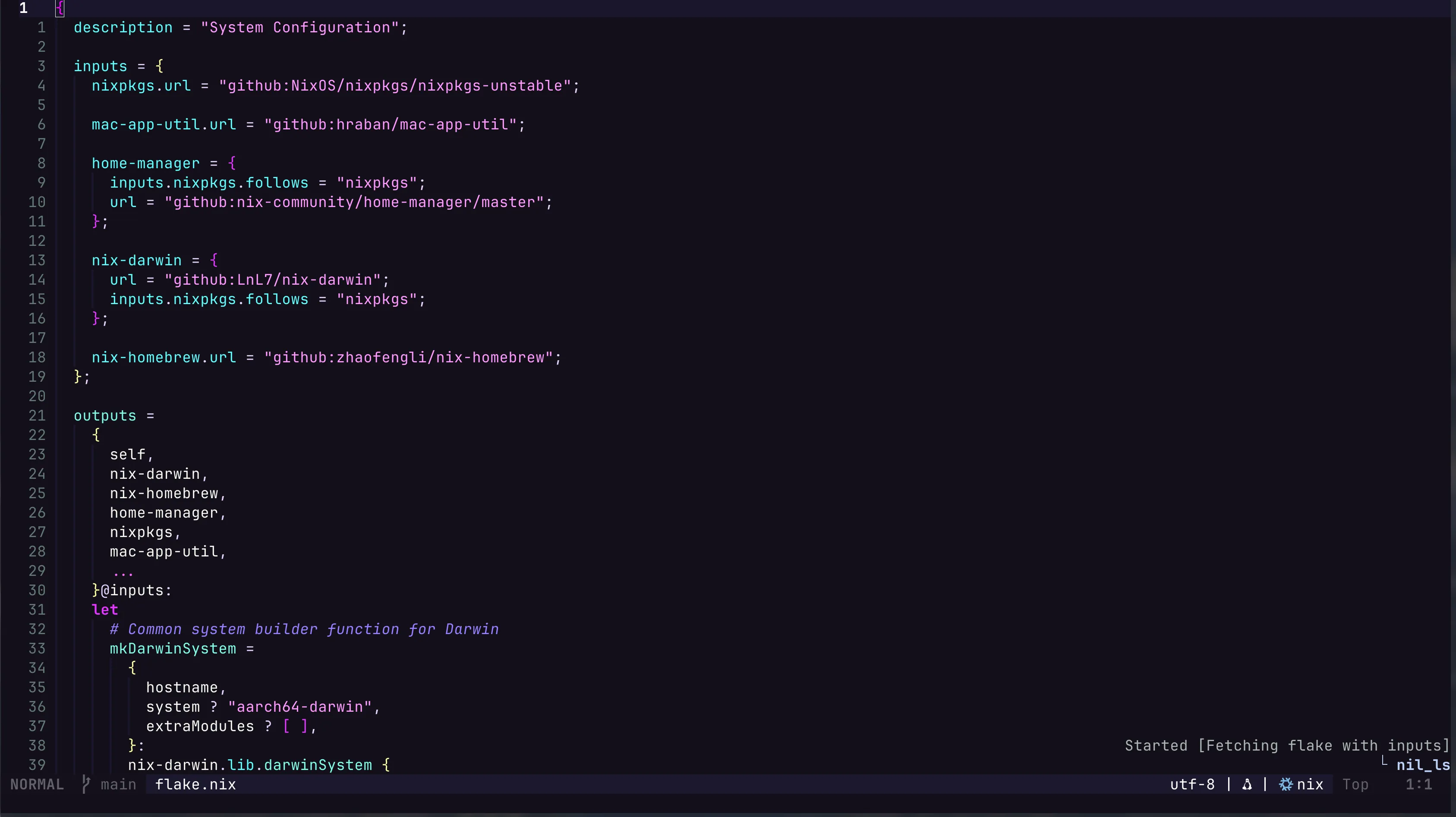
Adios!